OK FILE SHARE
|
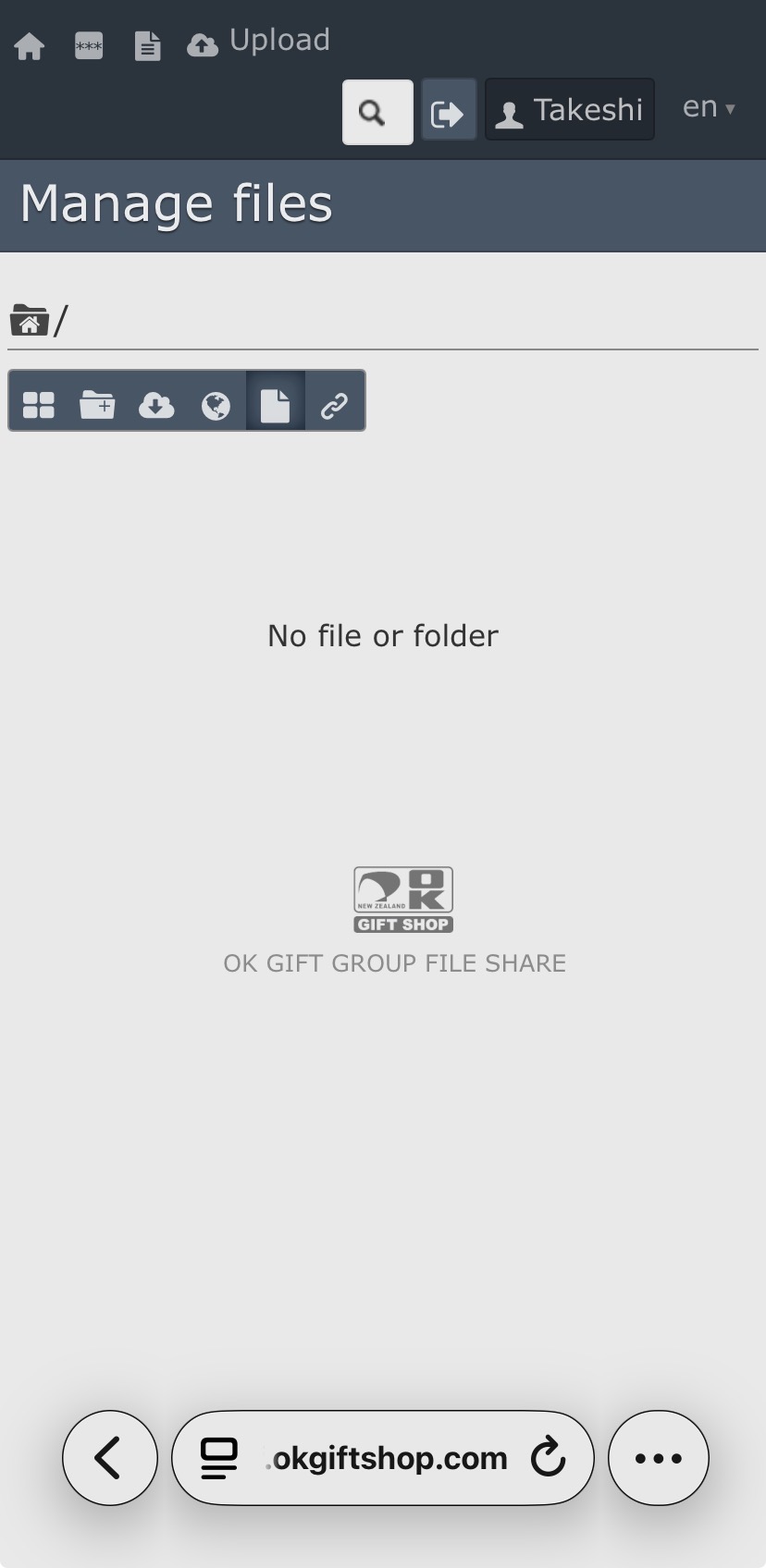
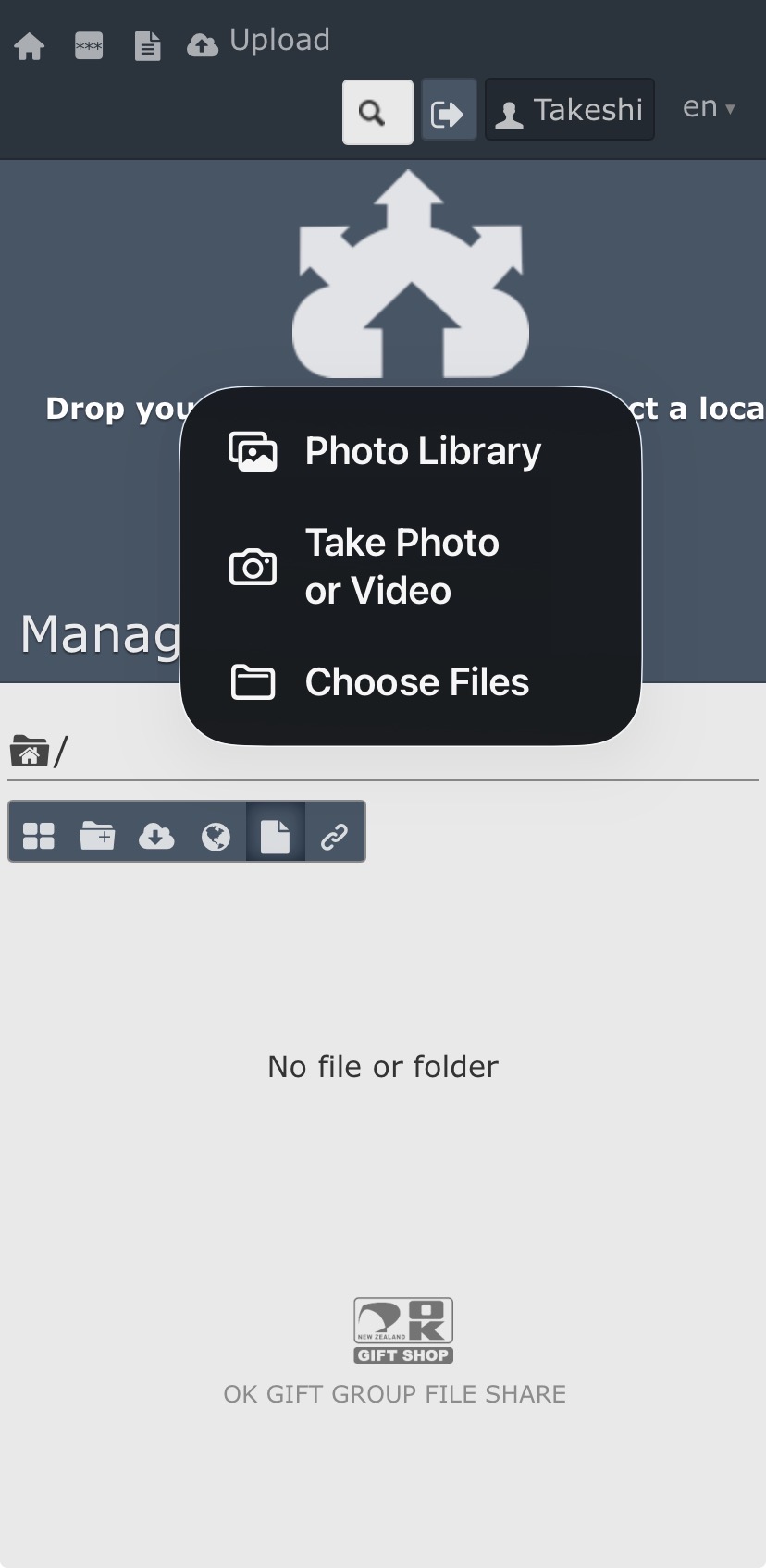
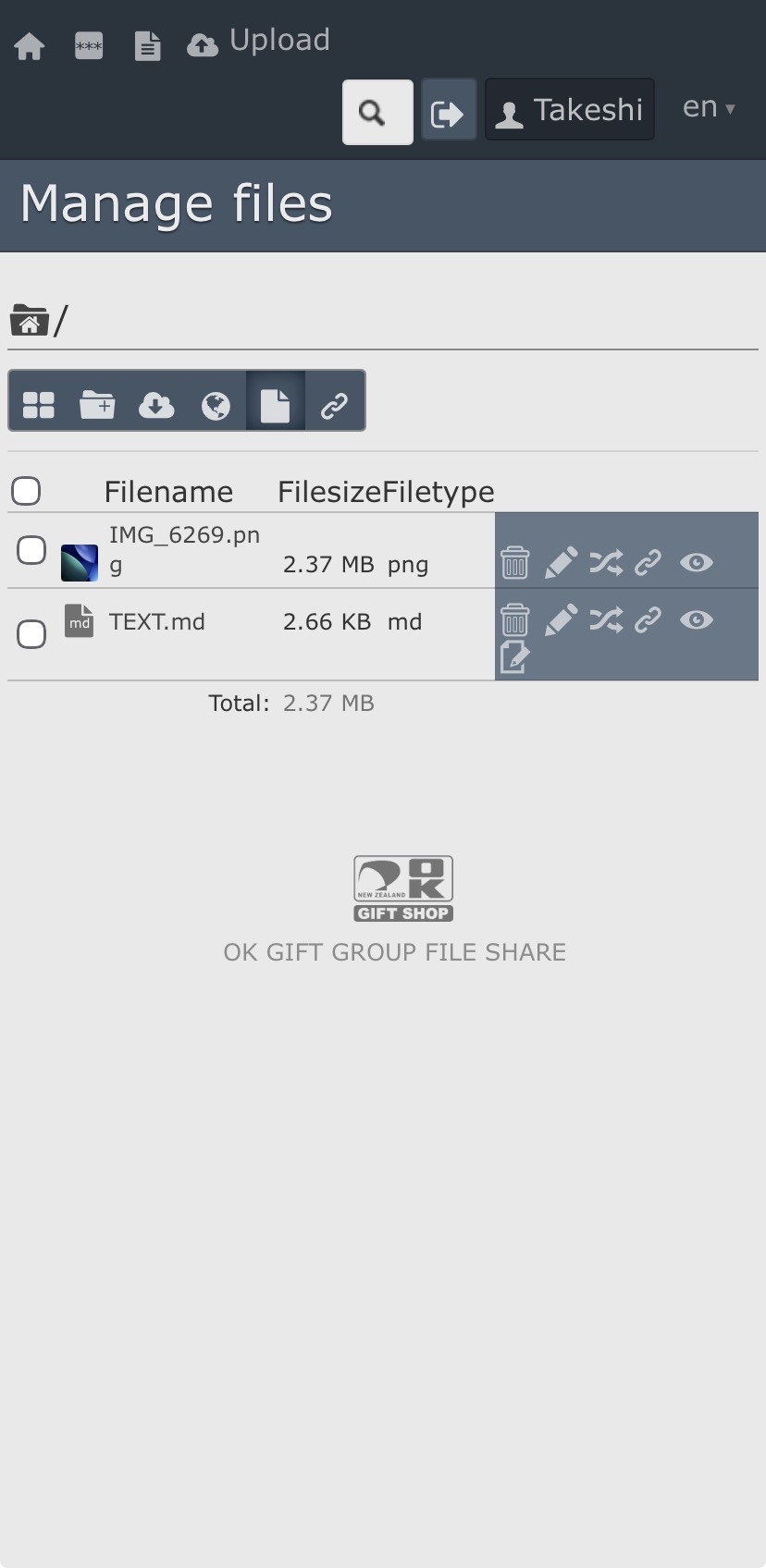
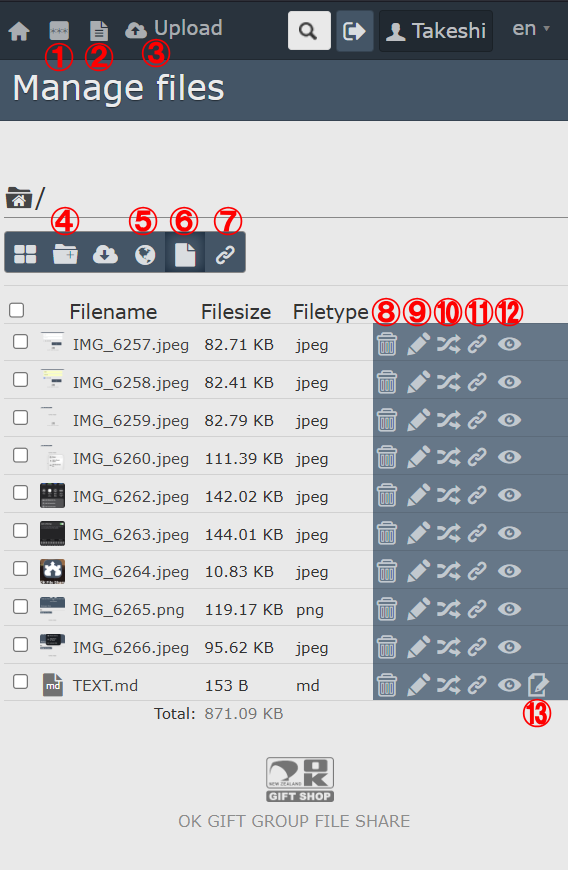
Basic Icons (1) Change your password (2) Create a text file (3) Uploading files (4) Create a folder (5) Download from URL (6) File Management (Download and ZIP Compression) (7) Show Link Management Icons (8) Delete file (9) Renaming files (shared links remain unchanged) (10) Move to another folder (11) Generate a shared link (12) Preview (Supports preview playback of video files) (13) Editing text |
|
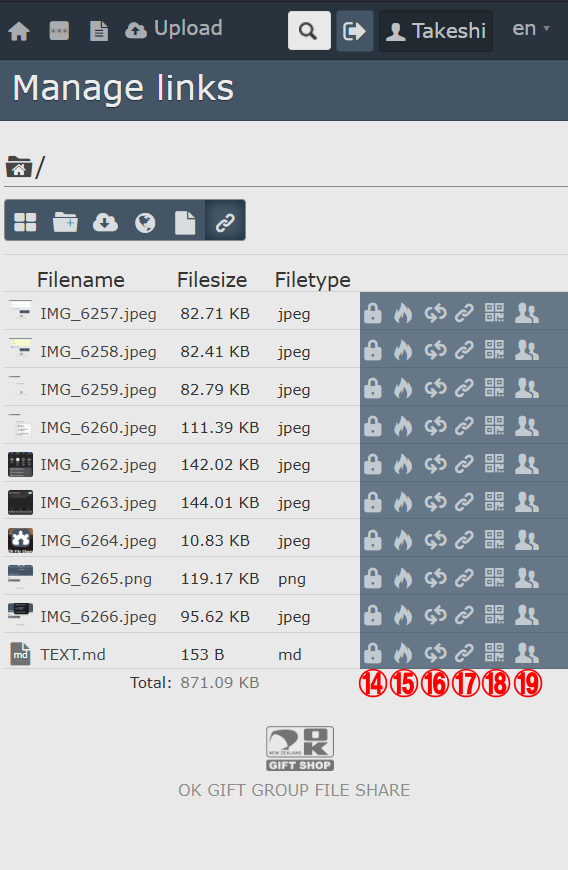
Link Management Icons (14) Add a password to this shared file (15) Automatically delete this shared file after access (16) Regeneration of the shared link (17) Get the share link (18) Get the QR code of this link (19) Share this item with another user |
|
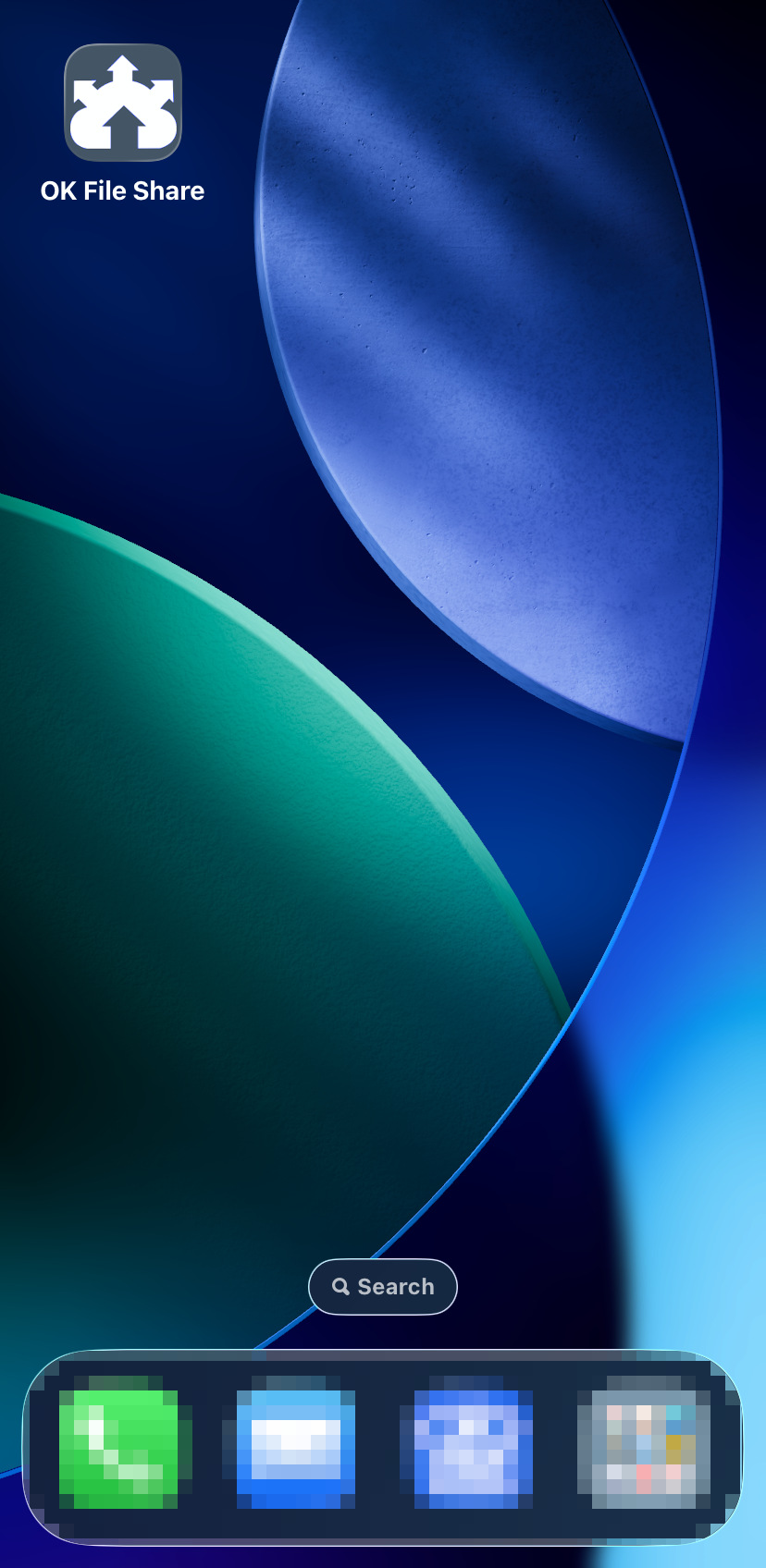
By creating an app, you can easily share files and text between Windows PC and iPhone. Furthermore, by using a QR code, you can send files from one iPhone to another without using AirDrop. Of course, you can also send it to smartphones other than iPhones. |
|||
|
①
|
②
|
③
|
④
|
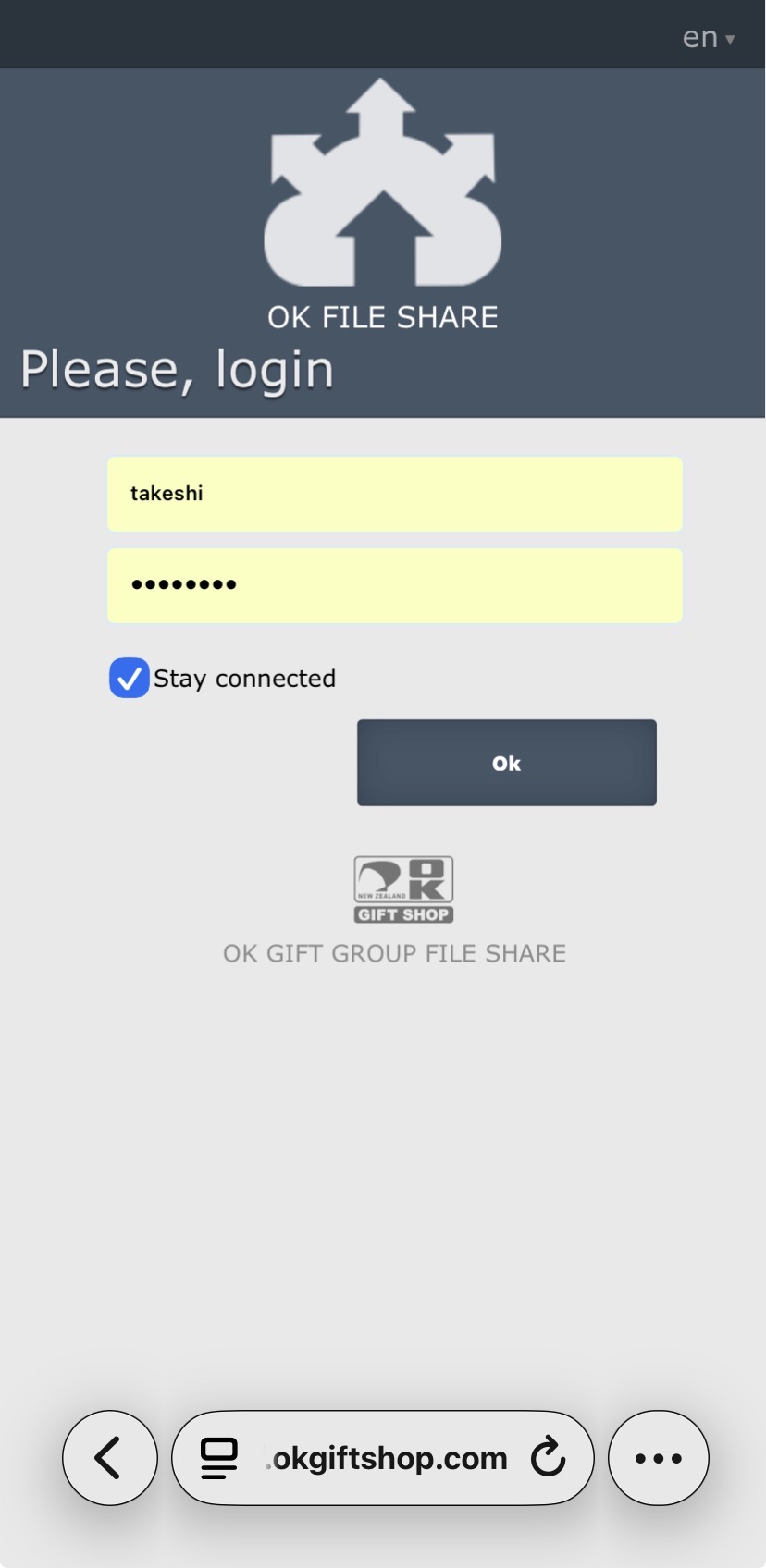
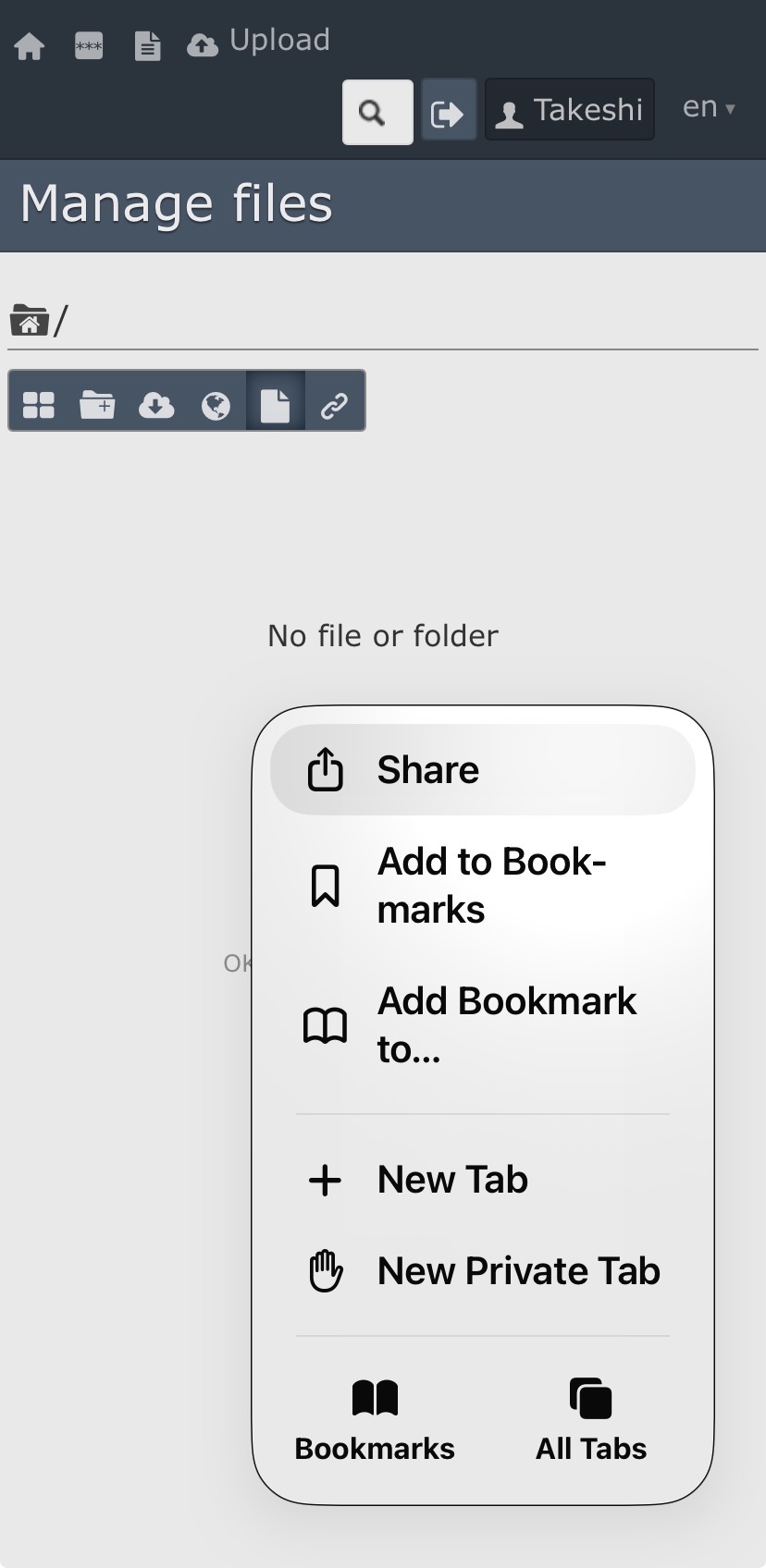
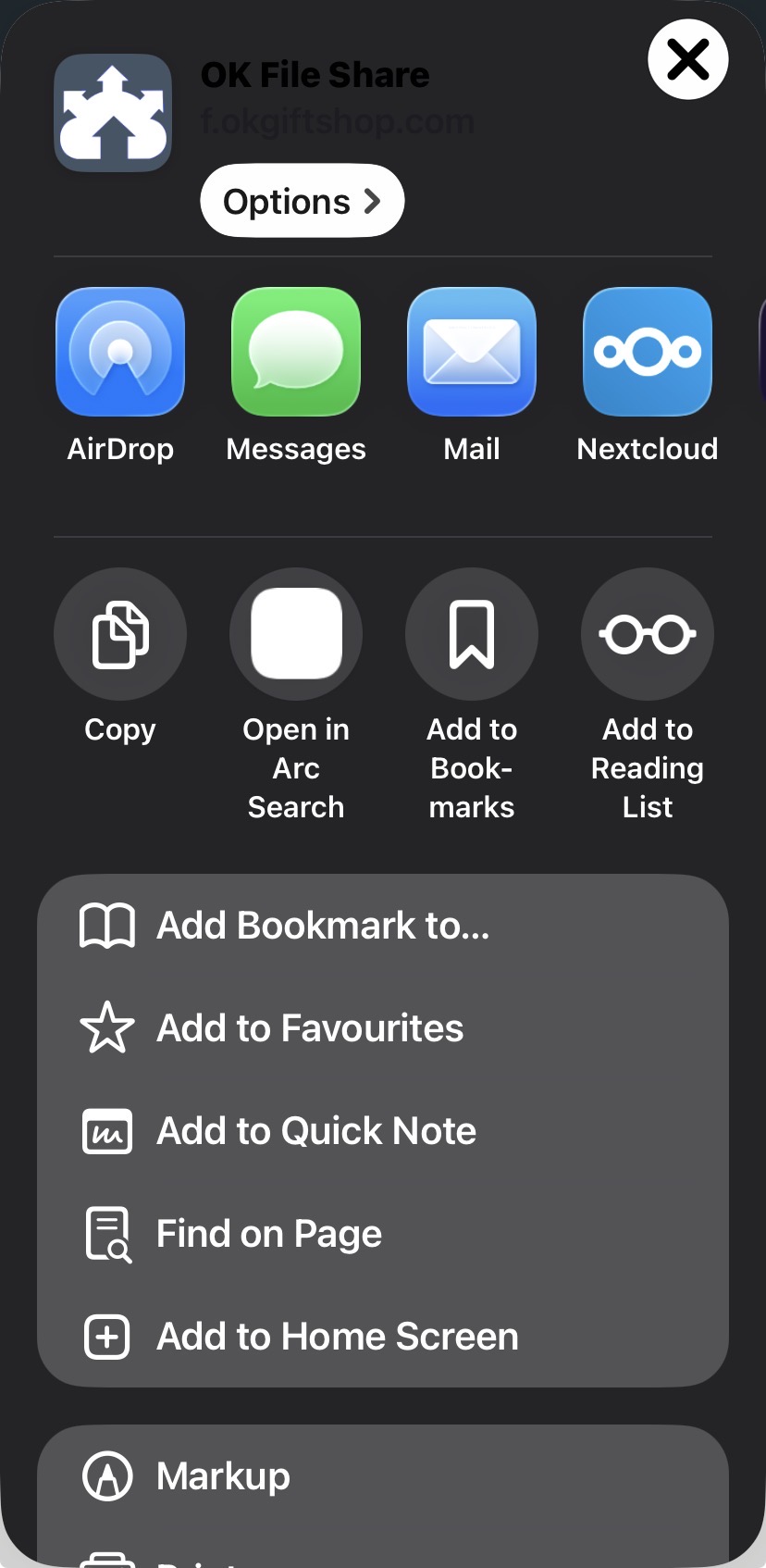
| Log in | Tap on …… | Tap on Share | Tap on Add to Home Screen |
|
⑤
|
⑥
|
⑦
|
⑧
|
| Turn off Open as Web App. Then, Tap on Add | Done | Tap on Dropzone | Enjoy |